





Block Apps
Updated: February 20, 2024
Talk
Talk
Talk Settings
Page Editor
Create a Card
Create a Folder
Edit a Card or Folder
Copy a Card or Folder
Move a Card or Folder
Enabling and Disabling the Editor
Search Not Displaying Any Results
Missing Cards and Folders
Dual Language Mode
Search for Cards and Folders
Message Window
Alternative Pronunciation
Therapy
Therapy
News
News
Connect
Connect
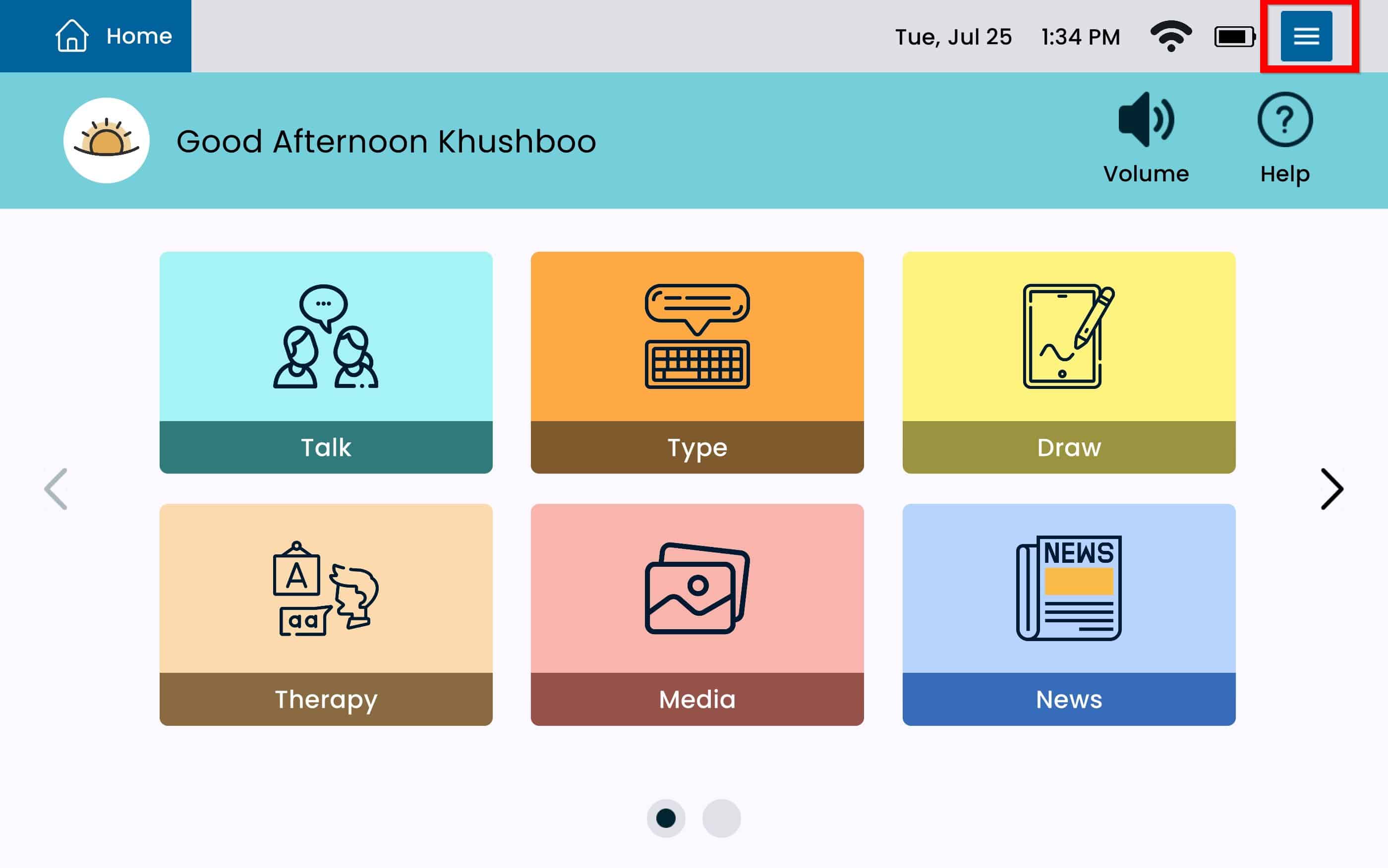
From Home select the Settings Menu Button.
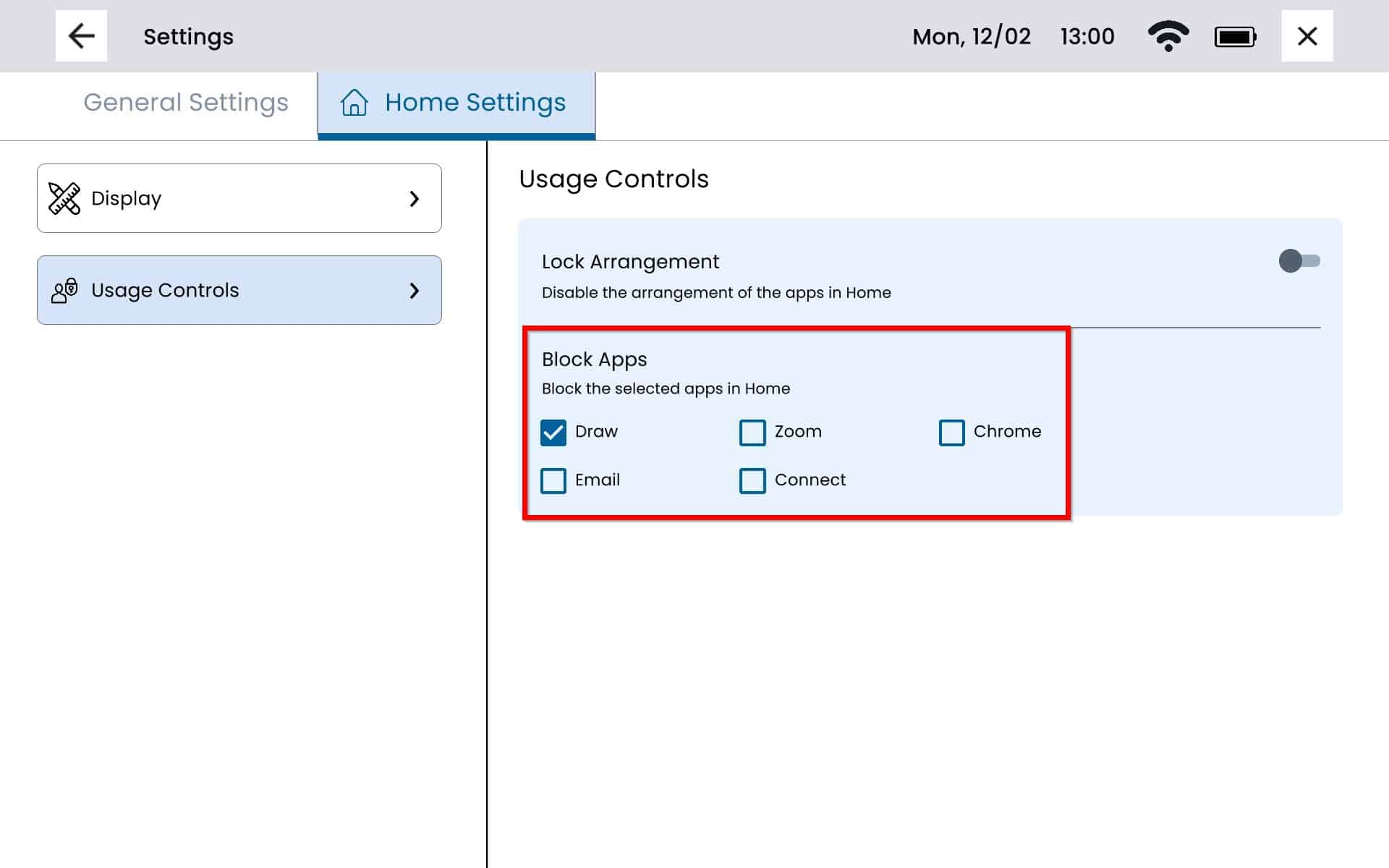
Select Usage Controls from the left panel.
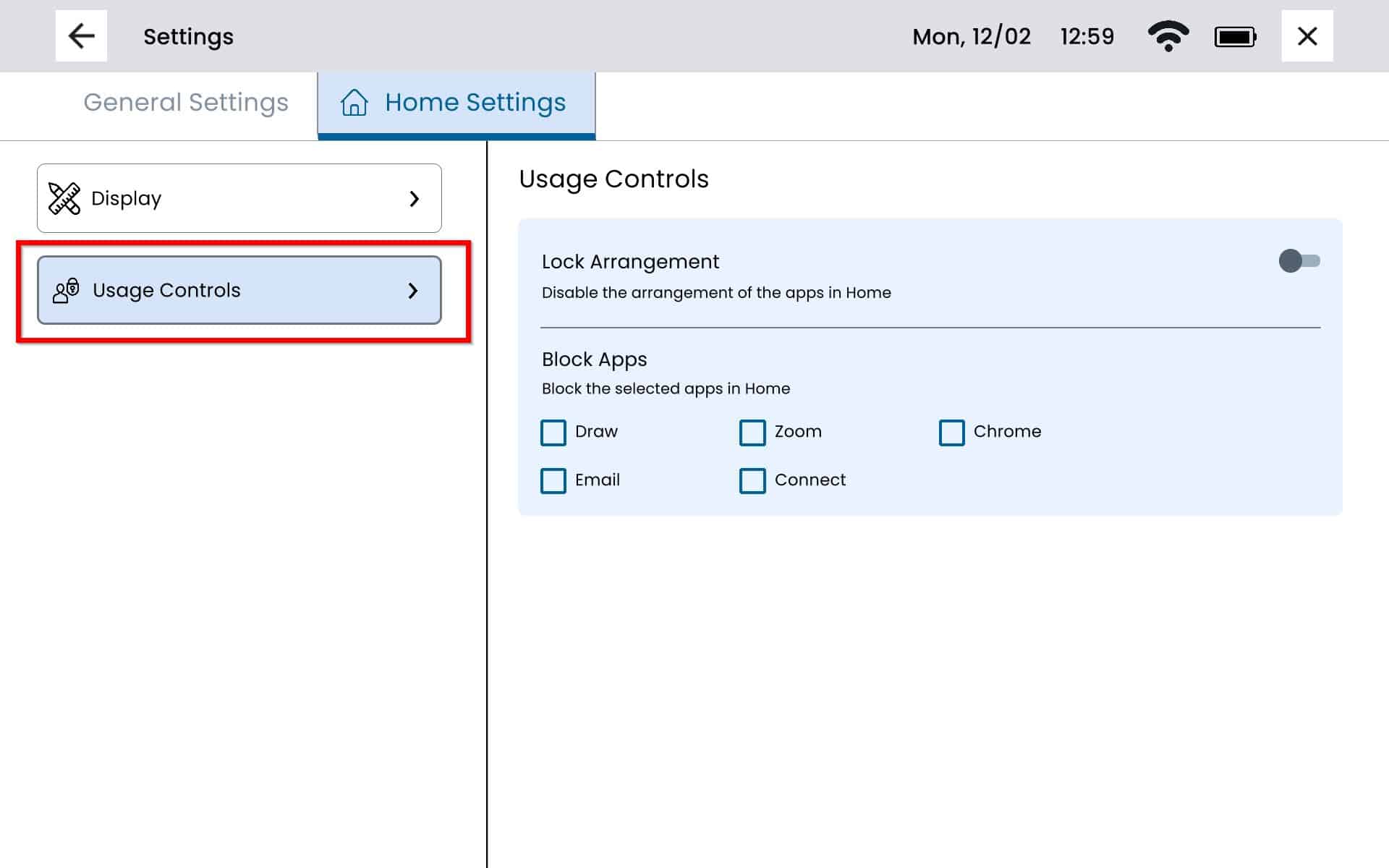
Select the apps you would like to block. All selected apps will display a checkmark. To exit the screen select the x on the top right.
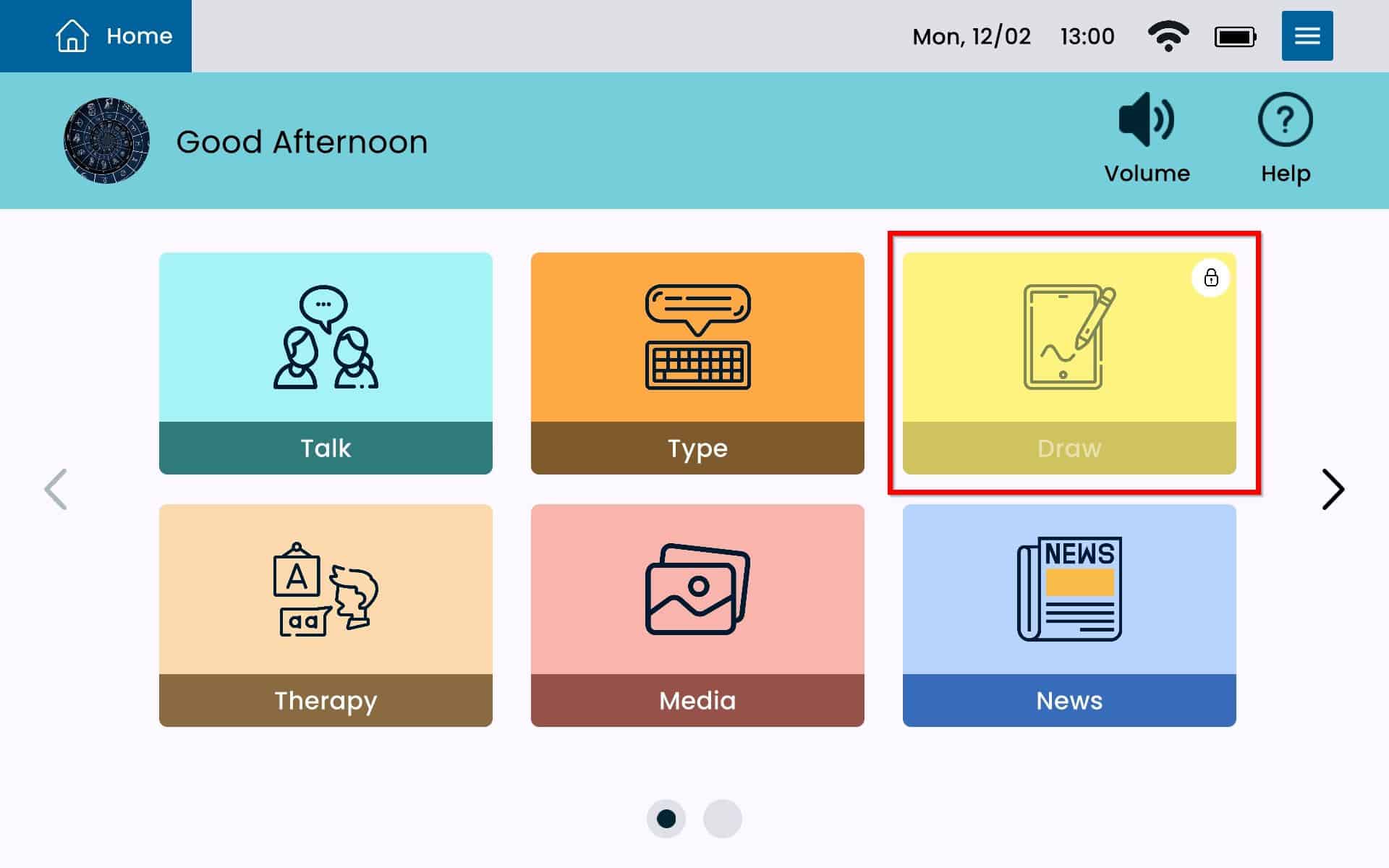
Blocked apps will display a lock icon on the top right of the app tile.