




Voice Recorder
Updated: February 20, 2024
Talk
Talk
Talk Settings
Page Editor
Create a Card
Create a Folder
Edit a Card or Folder
Copy a Card or Folder
Move a Card or Folder
Enabling and Disabling the Editor
Search Not Displaying Any Results
Missing Cards and Folders
Dual Language Mode
Search for Cards and Folders
Message Window
Alternative Pronunciation
Therapy
Therapy
News
News
Connect
Connect
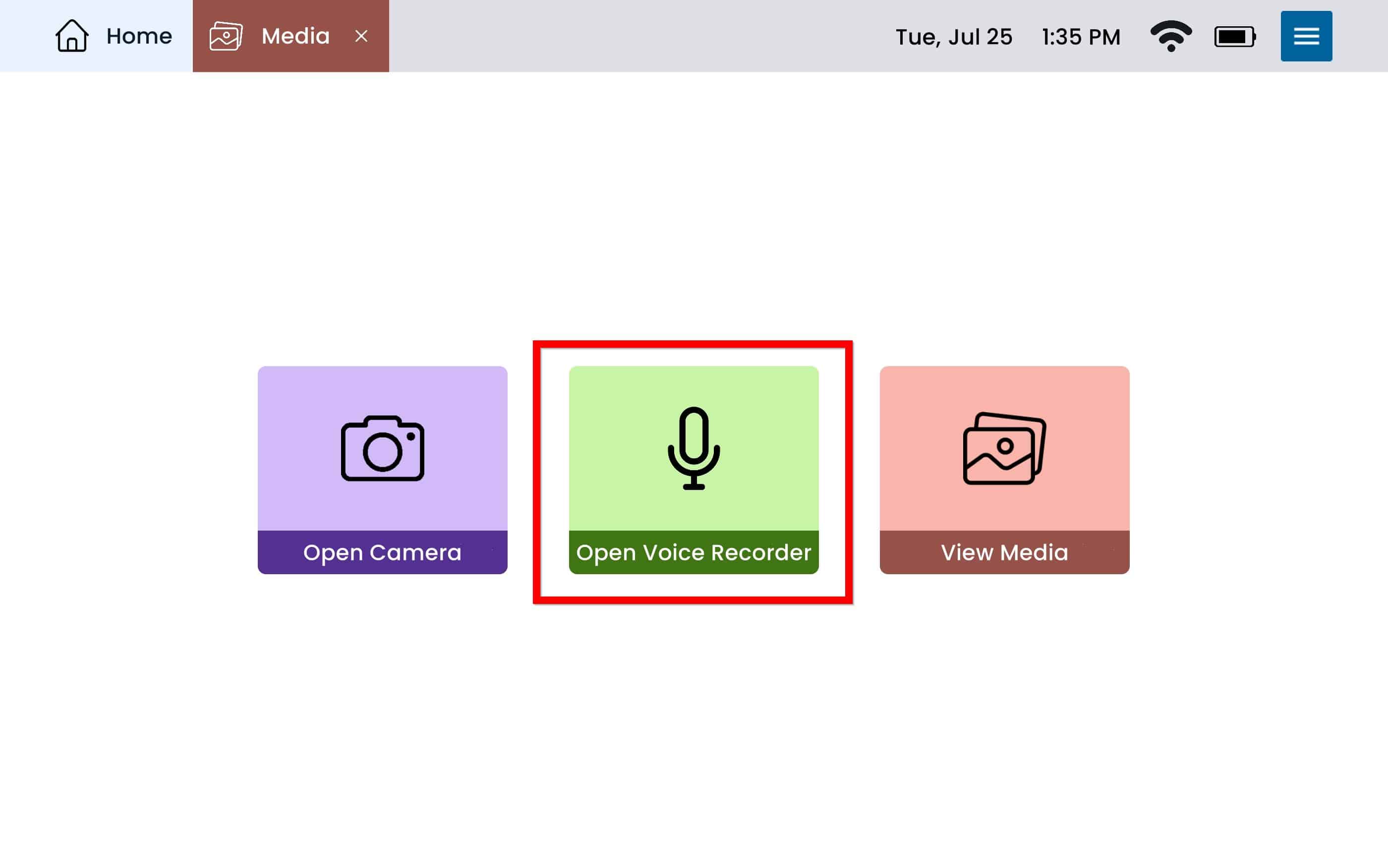
From Home select Media
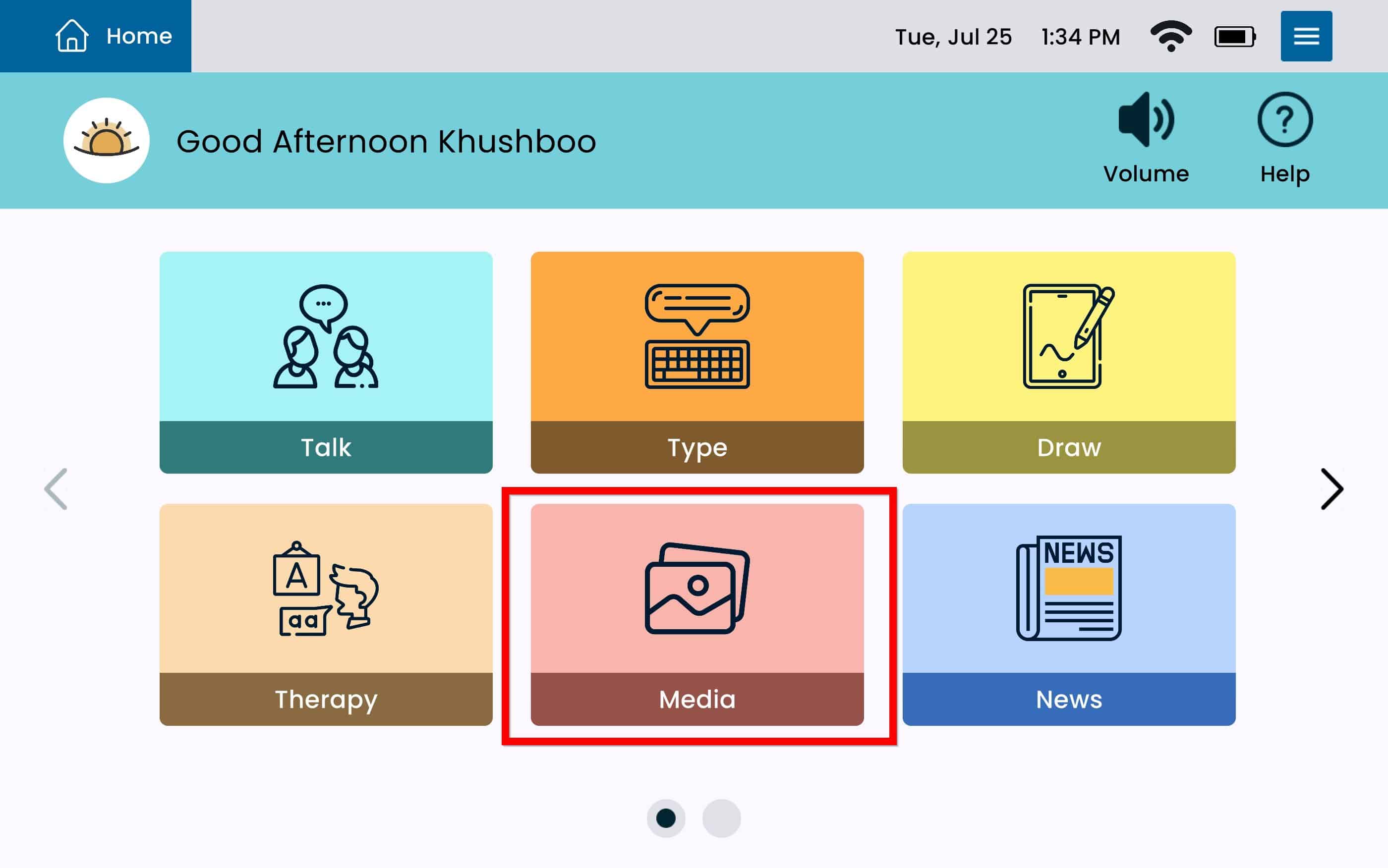
Select Open Voice Recorder
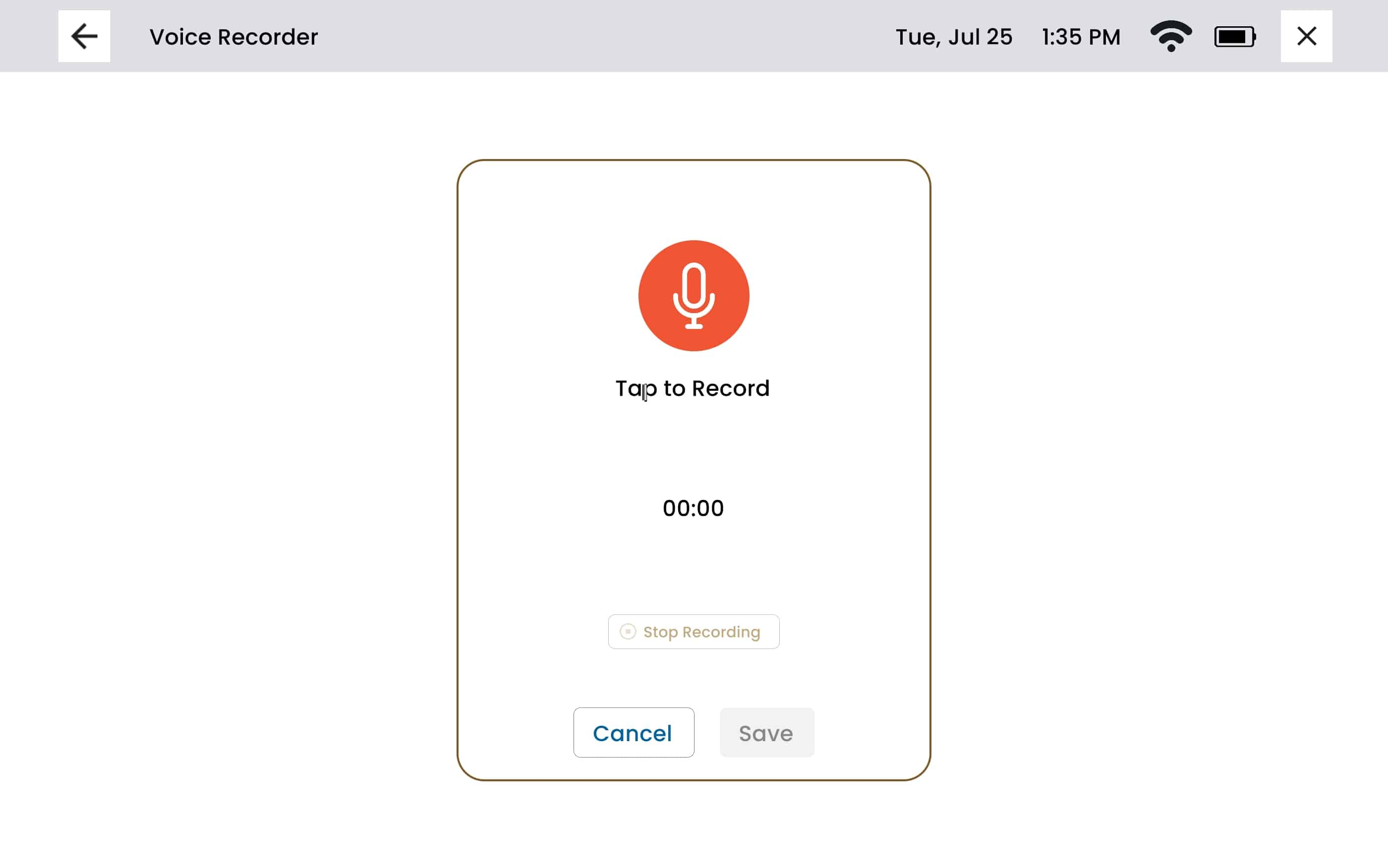
To begin recording, press the red microphone button that says ‘Tap to Record‘.
To stop recording, press the ‘Stop Recording‘ button below the timer.
To save a recording press the blue save button. The device will ask you to name the recording before selecting the blue save button one more time.
All recordings done with the Voice Recorder on the device will be stored in the Media App.