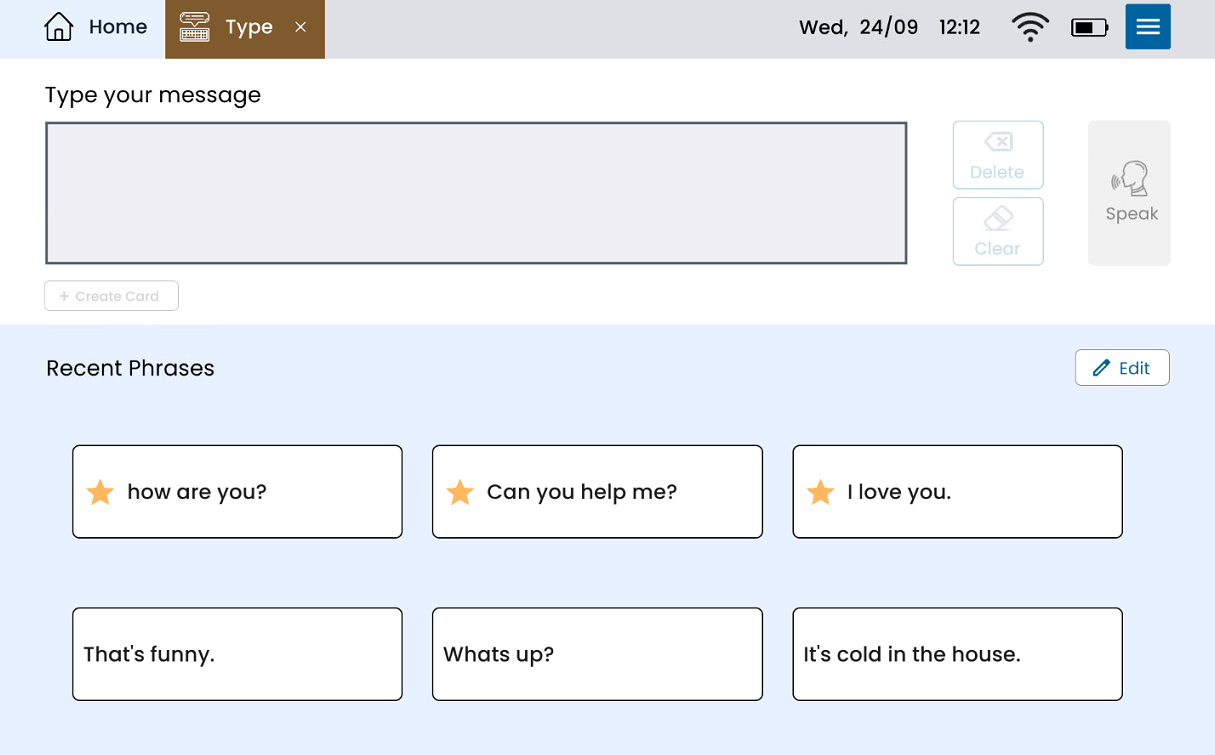






Deleting Recent Phrases
Updated:
Talk
Talk
Talk Settings
Page Editor
Create a Card
Create a Folder
Edit a Card or Folder
Copy a Card or Folder
Move a Card or Folder
Enabling and Disabling the Editor
Search Not Displaying Any Results
Missing Cards and Folders
Dual Language Mode
Search for Cards and Folders
Message Window
Alternative Pronunciation
Therapy
Therapy
News
News
Connect
Connect
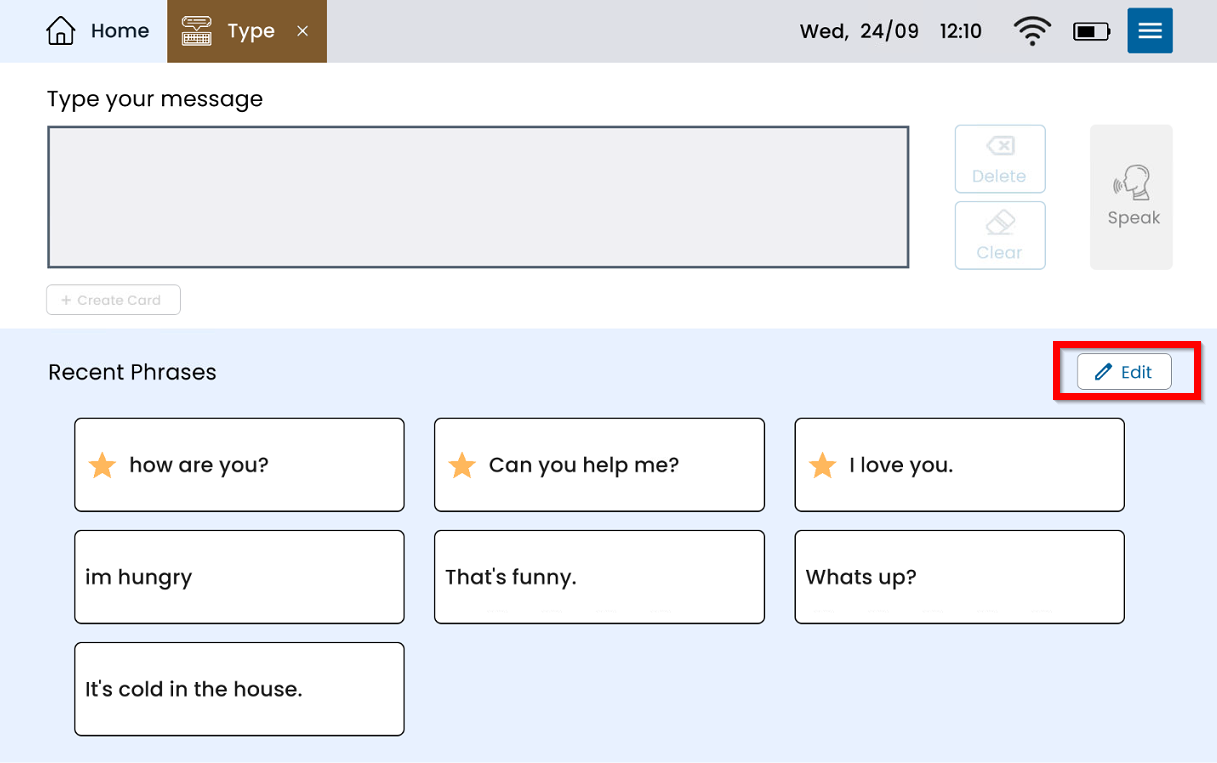
From Type, select Edit.
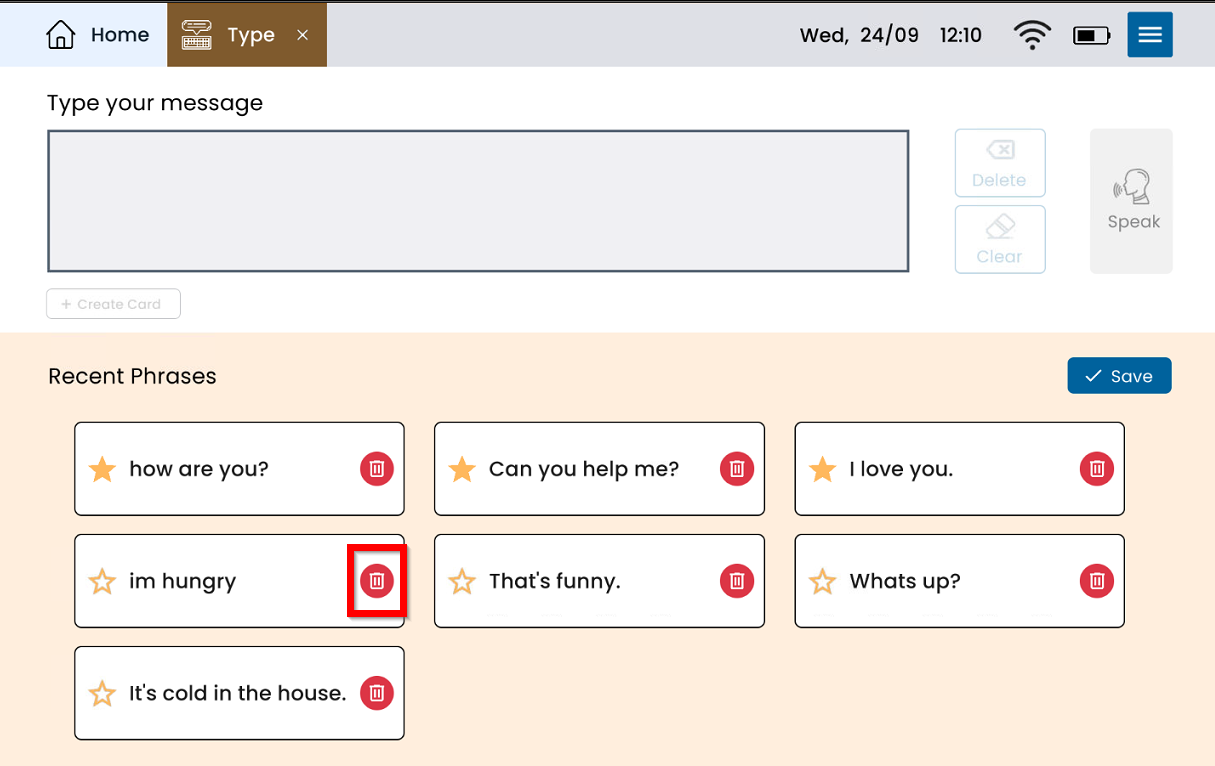
Select the red trash can on the phrase you would like to delete.
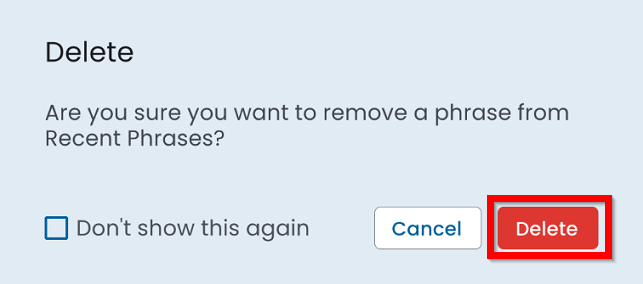
Select Delete.
Select Save.
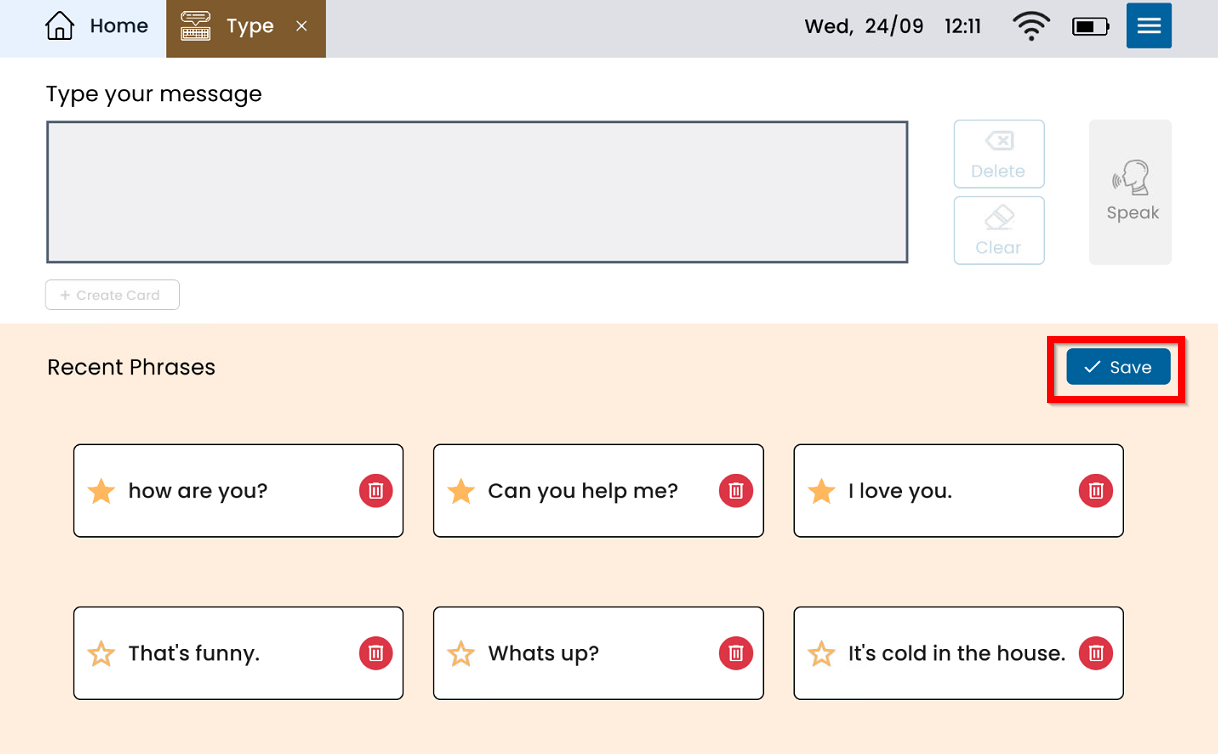
The phrase should now be deleted from Recent Phrases.