








Type Phrases
Updated:
Talk
Talk
Talk Settings
Page Editor
Create a Card
Create a Folder
Edit a Card or Folder
Copy a Card or Folder
Move a Card or Folder
Enabling and Disabling the Editor
Search Not Displaying Any Results
Missing Cards and Folders
Dual Language Mode
Search for Cards and Folders
Message Window
Alternative Pronunciation
Therapy
Therapy
News
News
Connect
Connect
Type Recent and Favorite Phrases allows users to have quick access to recently typed messages and favorite phrases for quick communication. When a phrase has been spoken, it will automatically add to Recent Phrases.
Adding Favorites
- After a phrase has been spoken, select the Add Favorite button.
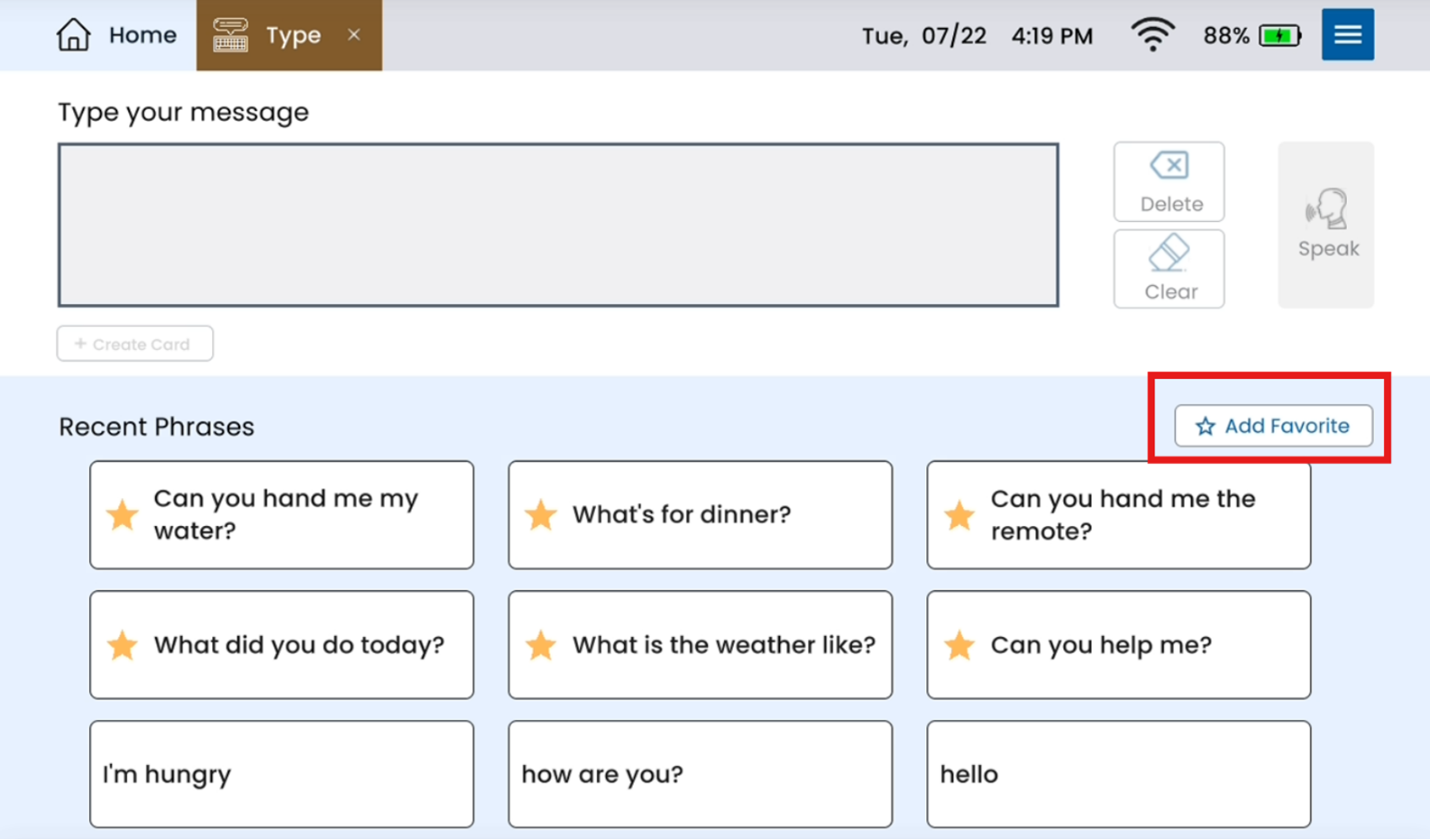
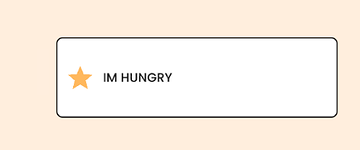
- Select the intended phrase. The star will display yellow when selected.
- Press Save. Favorited phrases will add to the next open spot in the Recent Phrases section
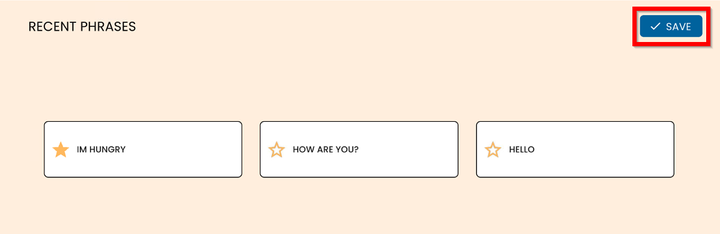
Note: You can save up to 9 favorited phrases. If all 9 phrases are favorited, you will not see new phrases. If not all phrases are favorited, recent favorites will appear in the next open spot.
