





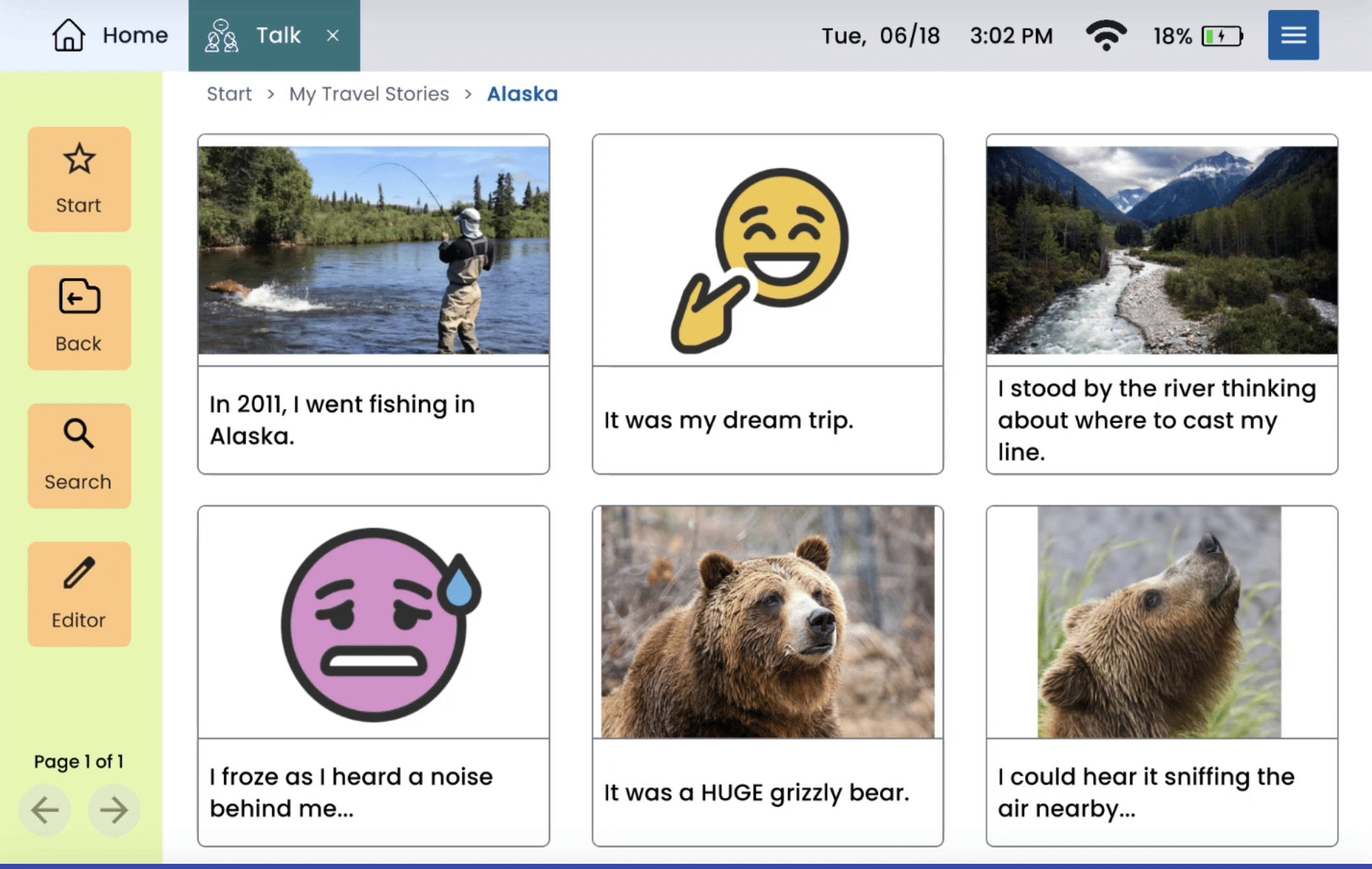



Lingraphica Student Certification Program

We’re glad you’re here. This program is designed for graduate students to help you gain confidence in Lingraphica’s AAC technologies and prepare for clinical placements and your future career. Completing the program gives you valuable knowledge, networking opportunities with practicing SLPs, and a great addition to your résumé.
Your Success- Smart Planning!
Our team is here for you Monday- Friday, 9 AM- 5 PM ET. Planning ahead helps us give you the best experience—rush requests aren’t always possible.
Step 1
Webinar
Start by watching our introductory webinar and device demo.
(If your class attended a live Lingraphica webinar this semester, you can skip this step.)
Step 2
Observe a Join In Aphasia session
Observe a Join In Aphasia session
- Create an account at Join In (use your university email if possible). If you already have an account, click Login. Browse upcoming Join In Aphasia sessions.
- Choose 2–3 sessions you’d like to observe and note the title, date, time, and time zone. Do NOT RSVP or enroll—this could take a spot from a member with aphasia.
- Email community@lingraphica.com with your 2–3 session choices.
(Requests must be made at least 24 hours in advance.) - We’ll confirm your registration and send a Zoom link.(Our inbox is monitored Mon–Fri, 9 AM–5 PM ET.)
Observation Guidelines:
- Change your Zoom name to:
First Name Last Name – Observer
(Example: Jen Stanley – Observer) - Keep your camera off and microphone muted.
- Observe only—do not participate.
After Your Observation:
Email learn@lingraphica.com to confirm that you completed the observation. We will then confirm your attendance internally.
Step 3
TalkPath Project
Complete the TalkPath News/TalkPath Therapy project adn upload your work. You will find the instructions for the project here. You may use the worksheet in the instructions or a Word doc. Upload your completed project here.
Step 4
Customization Demo
Join a 45-minute Zoom session with a Lingraphica Clinical Educator to learn the ins & outs of device customization.
(No device required.)
- Sessions are offered on select Tuesdays, Wednesdays, and Thursdays each month.
- Plan ahead—sessions are limited and we cannot accommodate make-up requests.
Click here to book your customization session.
Step 5
Wrapping up
Once you’ve completed all requirements, allow 48 hours for your Certificate of Completion to arrive by email.
If you don’t receive it, contact learn@lingraphica.com.
What’s Next?
- Clinical Rounds: Optional Zoom sessions where practicing SLPs share experiences and discuss clinical scenarios. Details are sent via our monthly LCP Connections newsletter.
- Program Survey: Share your feedback! A link will be emailed after you finish the program.
- Stay Connected: As you start your career, we’re here for clinical questions, resources, and device trials. Completing this program puts you on the fast track to earning the professional distinction of becoming Lingraphica Certified once you have completed your education and are working as a licensed SLP.
Lingraphica can help
Any time you have questions along the way, please reach out to Jen Stanley, clinical program manager! Send an email or book a time to chat.
Jen Stanley, MA, CCC-SLP
Clinical Program Manager
609-269-2787
learn@lingraphica.com
